Settings
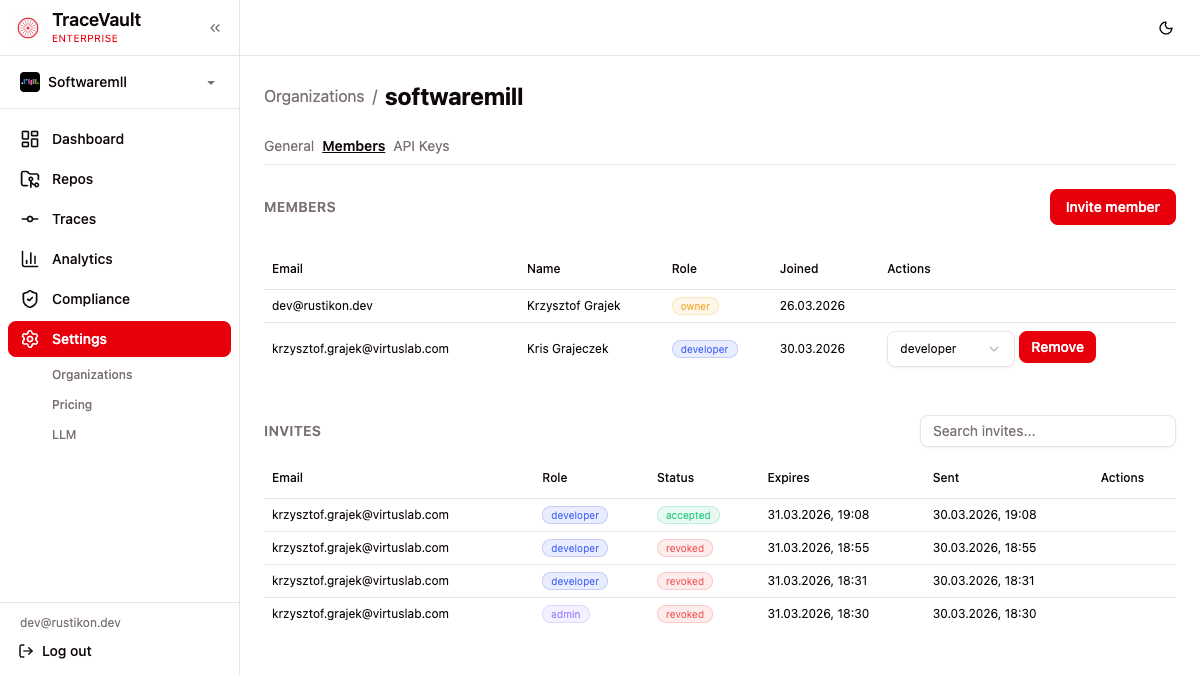
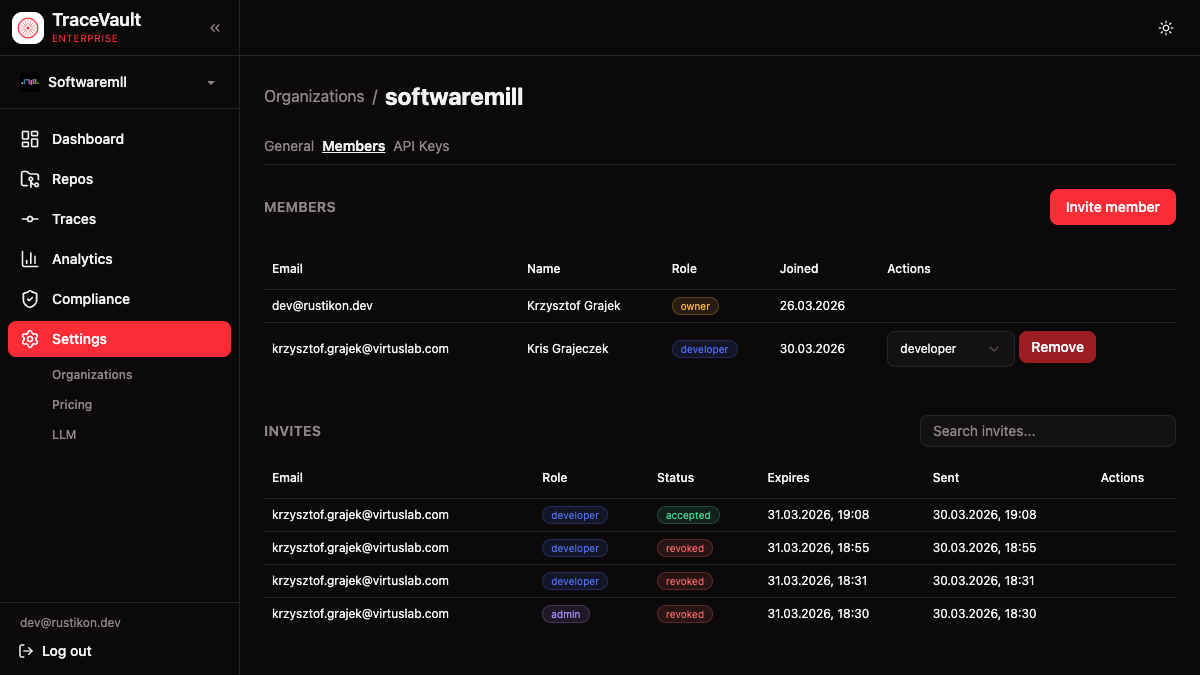
Settings provide organization-wide configuration for team management, API access, AI model providers, and pricing. They control who can access the platform, how costs are calculated, and how AI features like story generation are powered.
Why It Matters
Multi-team AI governance requires granular administrative control. Developers need to push traces, auditors need read-only compliance access, and administrators need to manage members and configuration. Settings provide role-based access that maps to real organizational responsibilities.
Pricing configuration ensures cost analytics reflect actual expenditure, with retroactive recalculation when rates change. API keys enable CI/CD pipelines and automation with scoped, revocable credentials.
Roles
| Role | Access Level |
|---|---|
| Owner | Full control — all settings, members, compliance |
| Admin | Member management, invites, pricing, LLM settings |
| Developer | Standard access — push traces, view analytics |
| Policy Admin | Create and configure enforcement policies |
| Auditor | Read-only — compliance data, audit logs, analytics |
Pages
Organizations (/settings)
View all organizations you belong to. Each card shows the GitHub avatar, display name, your role, and which is currently active. In the Enterprise edition, create additional organizations linked to GitHub orgs.
Organization Details (/settings/org)
View and edit the organization's display name (owners only). Shows the GitHub connection and creation date.
Members (/settings/members)
Manage team membership:
- Members table — All members with email, role, and join date. Owners can change roles and remove members.
- Invites — Send invitations by email with a specific role. View pending, accepted, and revoked invites.
- Invitation Requests — Approve or reject users who request to join.
API Keys (/settings/api-keys)
Create and manage API keys for CLI authentication and CI/CD integration. Keys are shown once at creation and cannot be retrieved afterward. Delete keys when they're no longer needed.
LLM Configuration (/settings/llm)
Configure the AI provider (Anthropic or OpenAI) used for story generation and other AI features. Set the API key, model, and optional custom base URL. Editable by owners and admins.
Pricing (/settings/pricing)
Manage per-model pricing rates for cost calculations:
- Sync — Pull current rates from LiteLLM's open-source pricing database
- Pricing table — All models with input/output/cache rates, effective dates, and history
- Recalculate — Retroactively recompute session costs after pricing changes