Traces
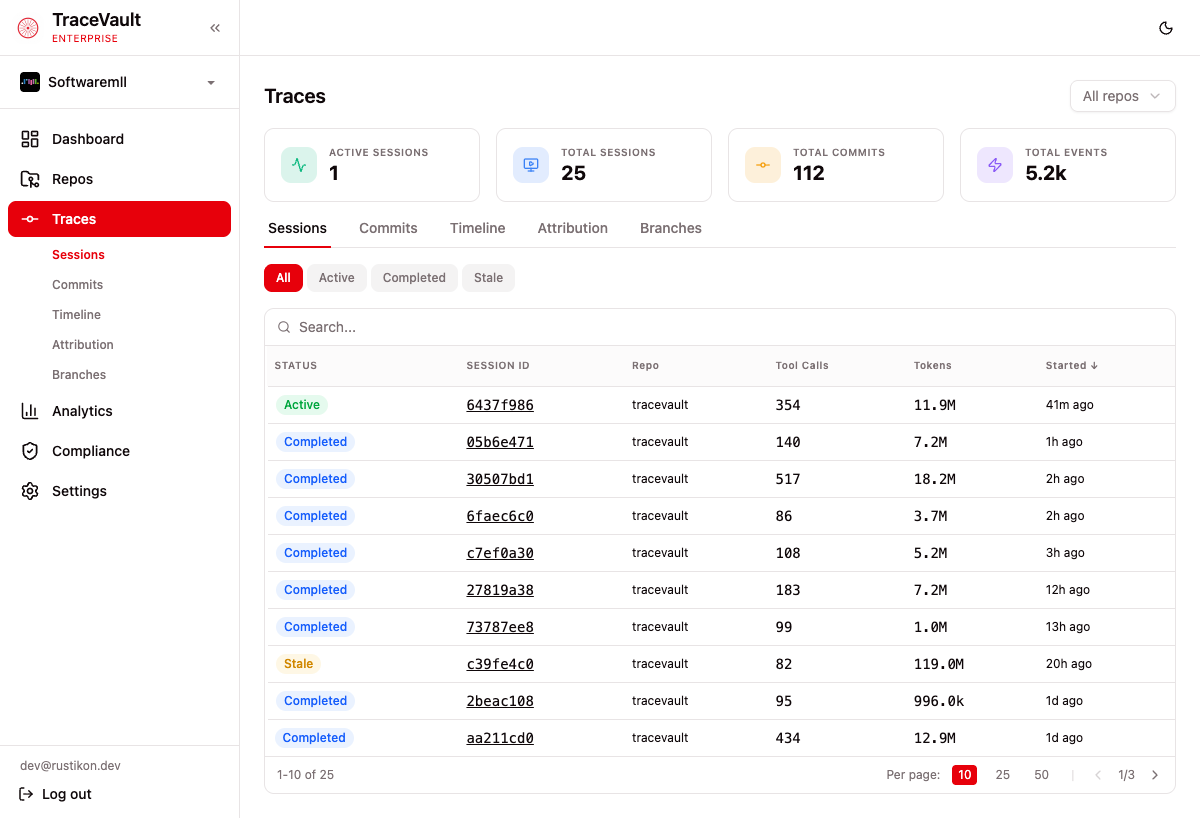
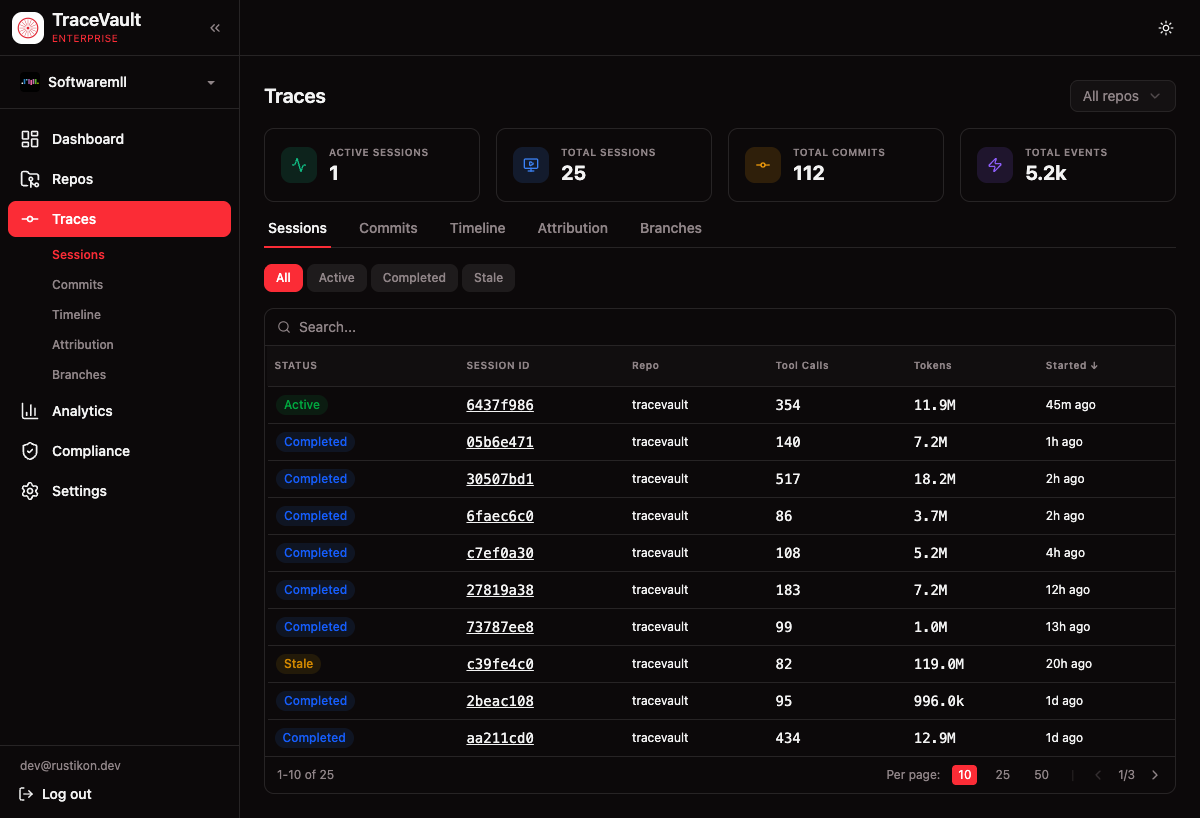
Traces are the core record of AI-assisted development. Every AI coding session, commit, and tool invocation is captured and linked — creating a complete, searchable history of how code was produced.
Why It Matters
When an AI assistant writes code, organizations need a reliable record. Regulatory audits, incident investigations, and code reviews all require tracing code back to its origin. Traces close this gap: a compliance officer can verify every commit has a session record, an engineering lead can see exactly what the AI did, and a security reviewer can check whether AI-generated code followed required patterns.
How It Works
Session Capture
TraceVault captures AI coding sessions in real time: every prompt, response, tool call, and file change. Sessions are tagged with repository, developer, and AI model. Each session has a status — active, completed, or stale.
Commit Linking
When code is committed, changed lines are matched against AI sessions. Each commit is linked to contributing sessions with a confidence score. This creates a two-way relationship: from any session see which commits it produced, and from any commit see which sessions contributed.
Attribution Analysis
For repositories with server-side clones, TraceVault provides line-level attribution. Each line is annotated with either the AI session that produced it (with confidence) or the human author from git blame.
Pages
Sessions (/traces/sessions)
Searchable, sortable list of all AI sessions. Each row shows status, session ID, repository, tool calls, tokens, and start time. Filter by status (active/completed/stale), repository, and date range.
Session Detail (/traces/sessions/{id})
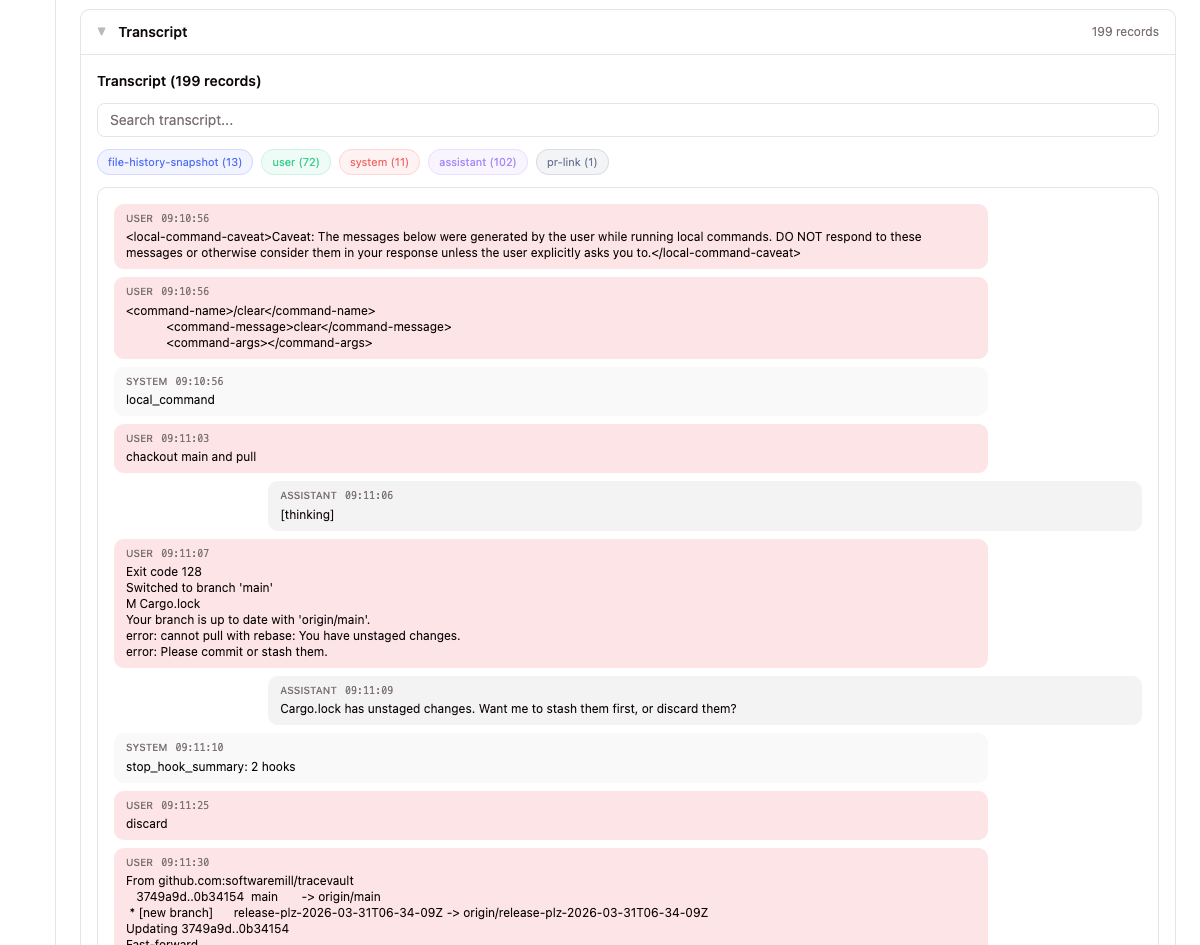
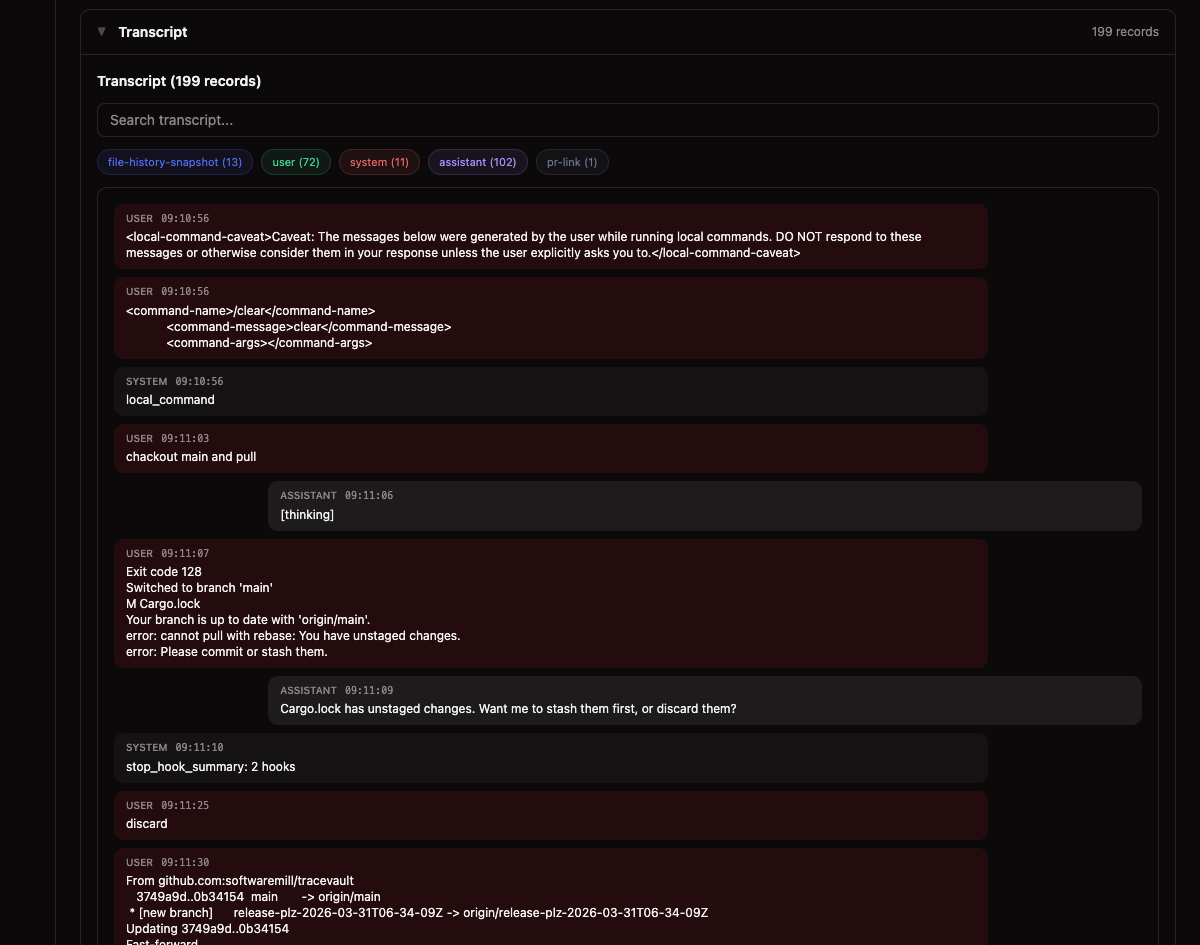
Deep dive into a single session with collapsible sections:
- Summary — Event count, files changed, tokens, cost, linked commits
- File Changes — Every file modified with expandable diffs
- Transcript — Full conversation with search and role filters
- Events Timeline — Chronological tool invocations with full input/output
- Linked Commits — Commits attributed to this session with confidence scores
Commits (/traces/commits)
All traced commits with SHA, message, branch, author, files changed, AI session count, and date. Filterable by repository, branch, and date range.
Commit Detail (/traces/commits/{id})
Full commit information with attribution breakdown by file — showing contributing AI sessions with confidence scores and line ranges.
Timeline (/traces/timeline)
Merged chronological view of all events and commits. Filter by tool type or session. Commit entries show SHA, branch, and author. Event entries show session, tool name, and file path — color-coded by tool type.
Attribution (/traces/attribution)
Line-by-line code attribution analysis. Select a commit and file to see the full source with each line annotated as AI-generated (with session ID and confidence) or human-written.
Branches (/traces/branches)
Overview of tracked branches with commit count, session count, total cost, status, and last activity. All columns sortable.